Labels are handy when you want to oganize your actions into categories. We have recently introduced labels in TeamGuru so you can use them for all actions across the system.
When editing an action just click on the Add Label button and either assign an existing label or create a new one. 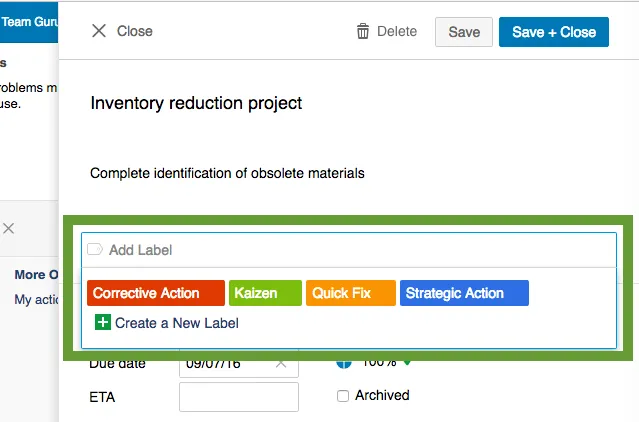
Later on you can use the action filter bar to show all actions marked with a given label. So it is really easy to show all your Kaizen ideas, Corrective Actions etc. 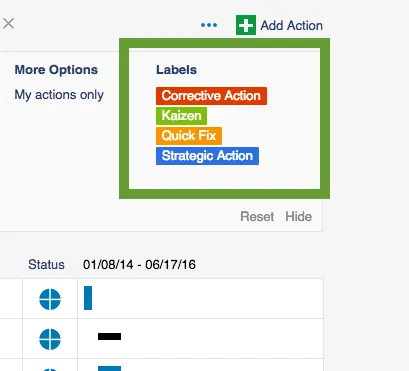
That's it - it's extremely easy. Go and try it out!
About the author

Pavel Humlicek
Co-founder & CEO of TeamGuru, with a background in Lean management consulting. Pavel reviews TeamGuru's management-system and operational-excellence content for practical accuracy and applicability.