
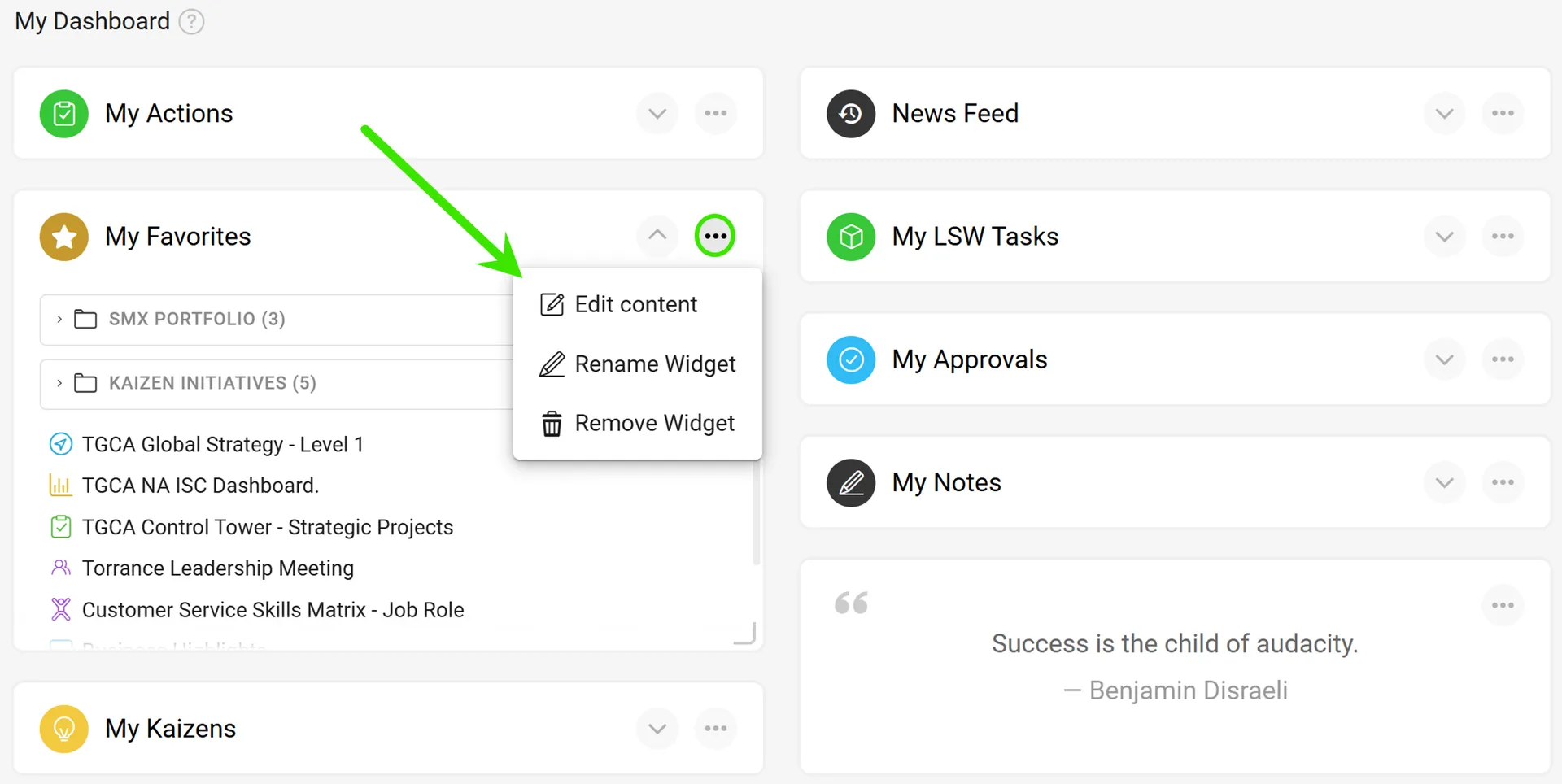
My Dashboard: Your Favorites, All in One Place
Access your most-used documents in the easiest way possible, just log in! The new Favorites widget on your My Dashboard page brings your favorite documents front and center, complete with full document titles and quick access.
You can also choose to display all your favorites or narrow the view to a specific folder, making it easier to find the information you need.
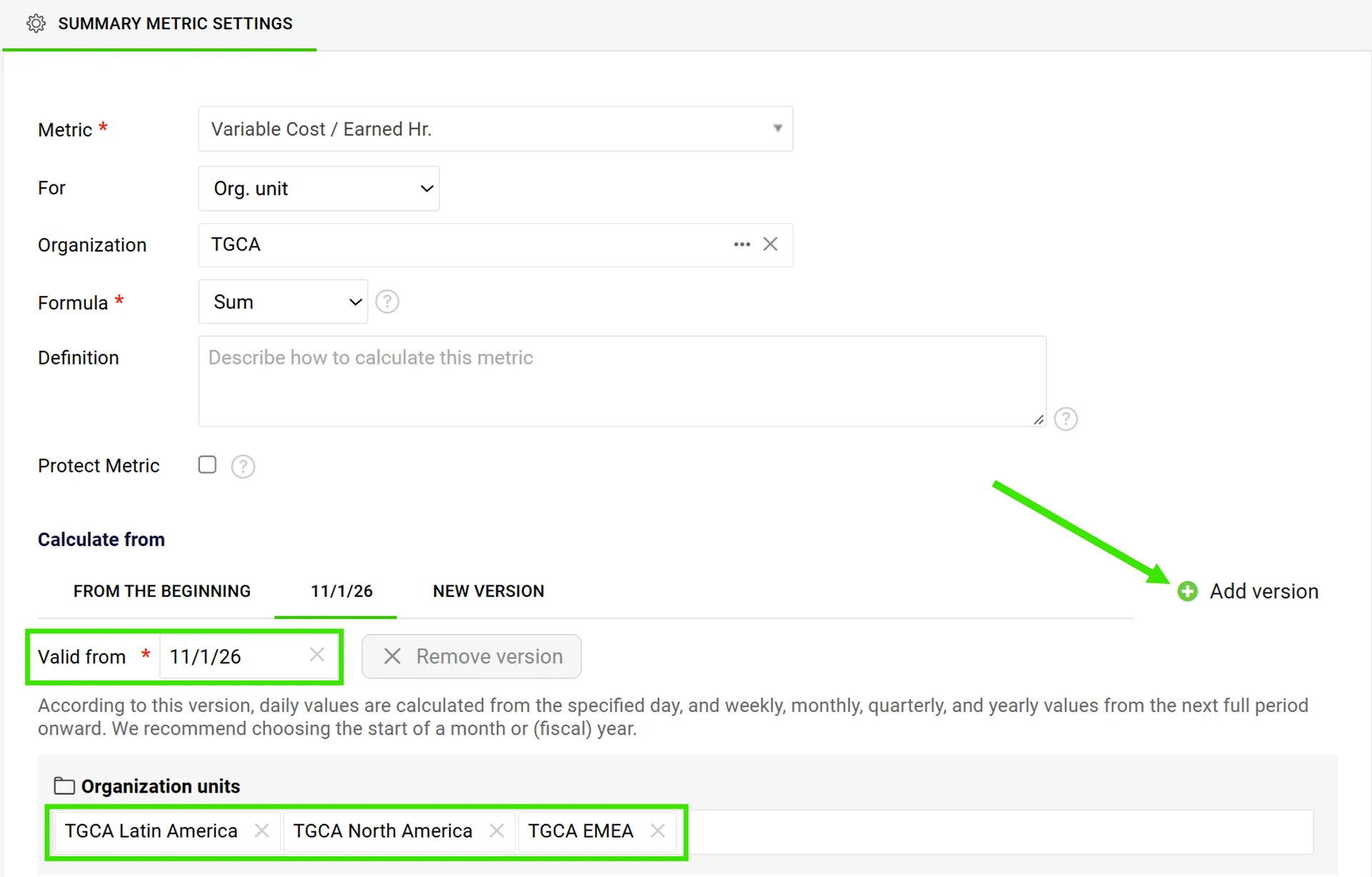
Summary Metrics: More Flexibility with Versioning
You can now change which data sources feed a Summary Metric starting from a selected date, while preserving historical results.
Need to make similar adjustments across multiple metrics? You can apply changes to other similar metrics as well, with the flexibility to choose whether historical data should be updated or retained.
Reports: Keep Your Dashboards Running with Play Mode
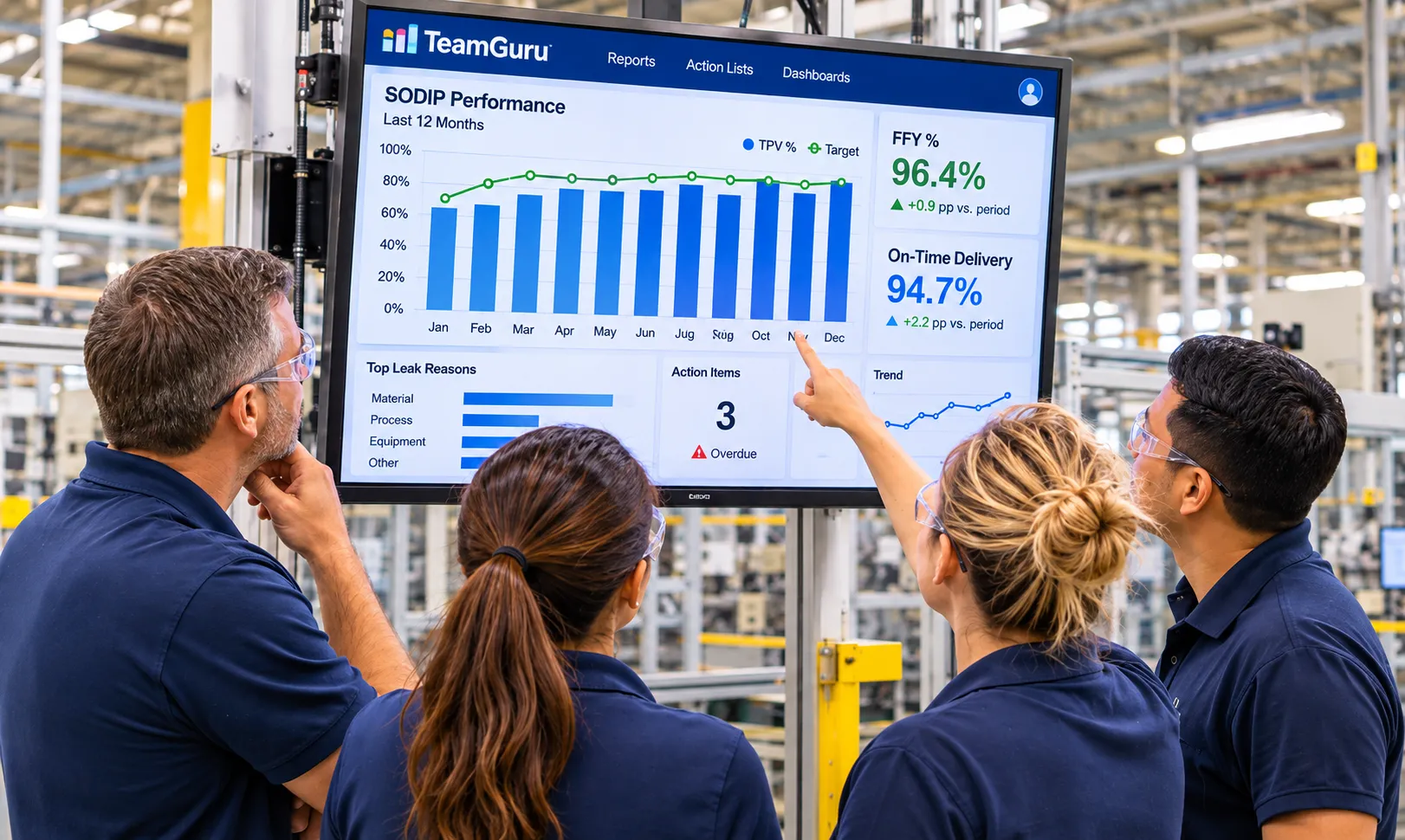
Turn your reports into an always-on information display with the new Live Automatic Reporting – Play Mode.
This enhancement makes it easy to display reports on TVs or other shared screens, automatically rotating through slides and refreshing the data after each cycle. Simply create a presentation link, authorize the browser on your TV, and let the presentation run unattended.
Customize slide timing, pause playback, full-screen mode, and manage or revoke authorized devices directly from the report.
Metric Dashboards: Project Stages at a Glance
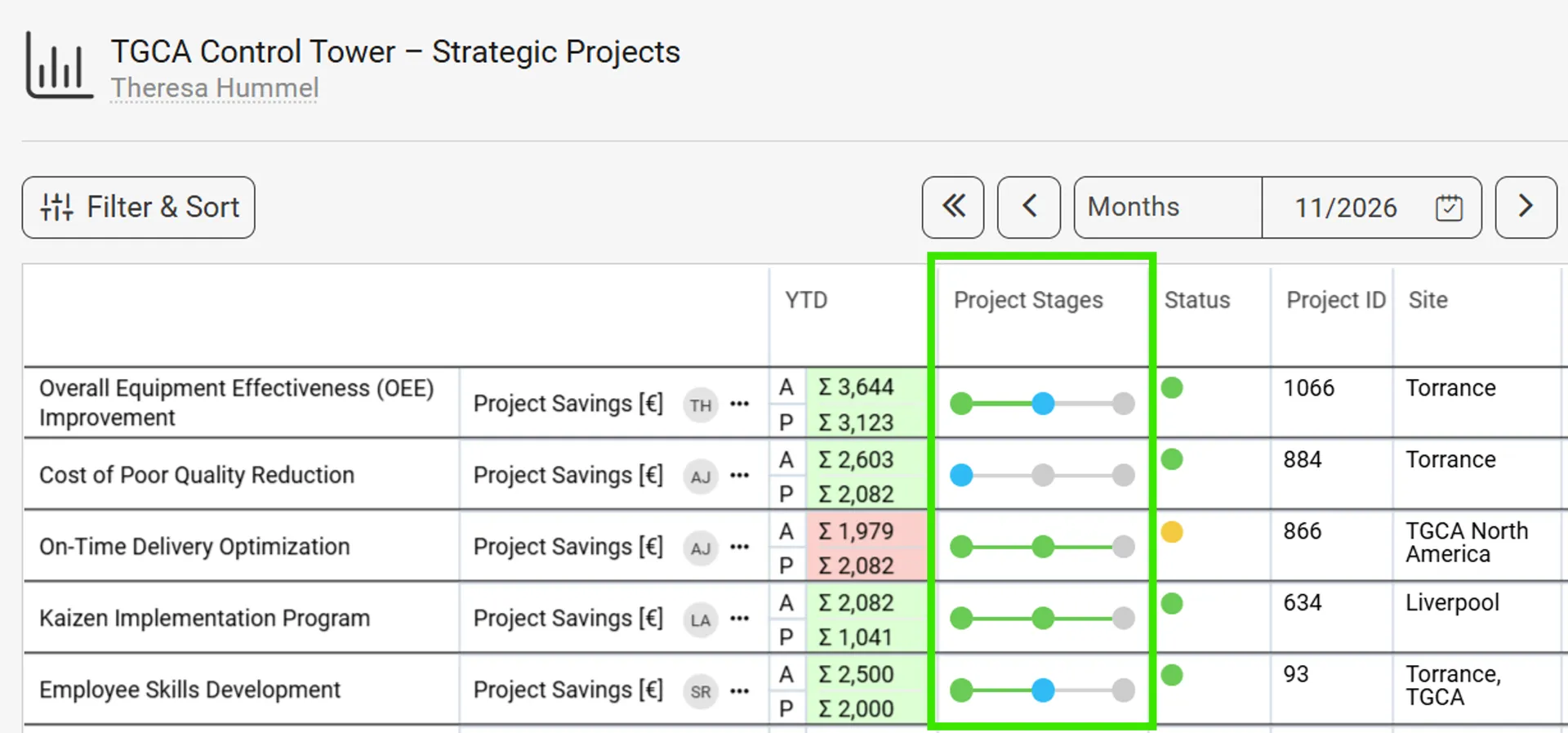
Get a clearer picture of project progress with the new Project Stages Overview available in Metric Dashboards.
This color-coded overview can be enabled through the advanced settings, making it easier to distinguish project stages and quickly understand where projects stand.
AI RCCA Insights: Learn from Previous Problem-Solving Efforts
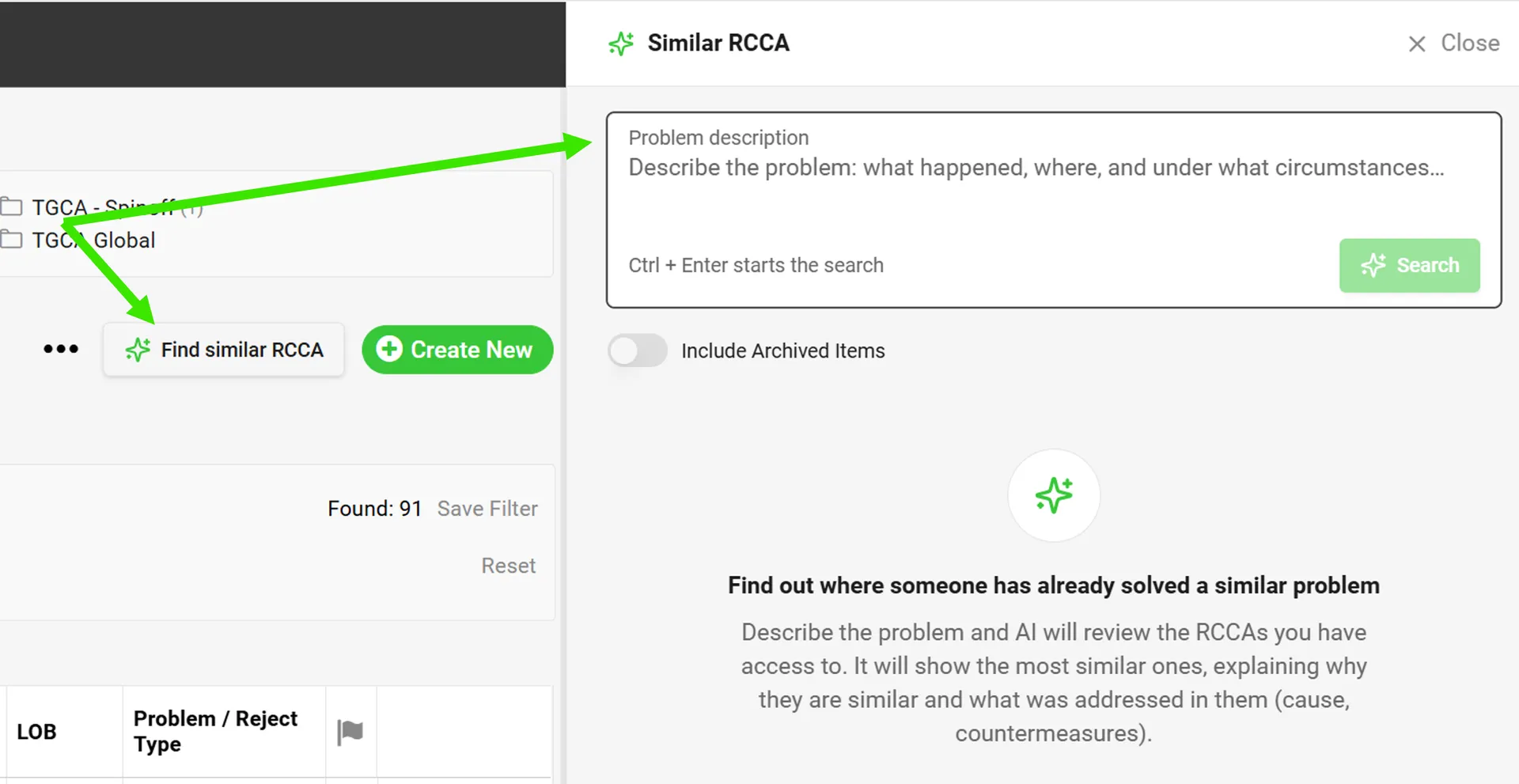
Why start from scratch when valuable lessons may already exist elsewhere in your organization? AI RCCA Insights use artificial intelligence to identify relevant historical cases and bring previous problem-solving experience into your current root cause analysis.
A new button in the RCCA document list allows you to search for relevant past cases. AI provides short summaries explaining why each case is a match and how the issue was resolved.
Please note: AI RCCA Insights must be enabled for your system instance to use this functionality. Contact the TeamGuru Support team if you're interested in activating it.
Are you ready to give these enhancements a try?
Our team is ready to answer your questions or assist whenever you need it.
About the author

Elise Foley
Digital Operations Support Consultant at TeamGuru, with a background in supply chain. Elise writes about digital operations and the practical application of TeamGuru in day-to-day management.