Time management is one of the most important business skills. Recently we have released a new feature for you – a built-in timer to help you to finish your meetings and actions on time.
Video Guide: TeamGuru Timer in action
How to use the timer
To start the timer simply click on the Timer icon in the top navigation bar. Select the duration and the countdown will start.
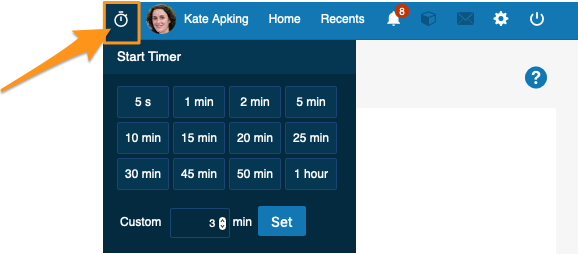
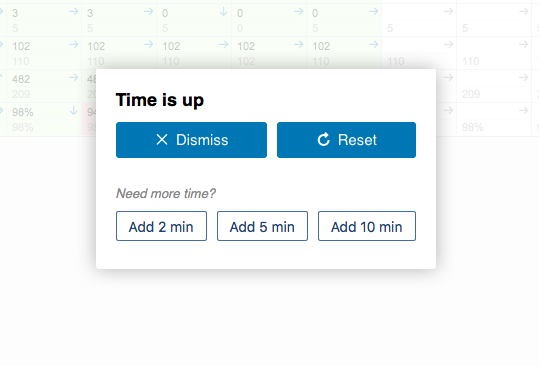
You will always see the time remaining even if you navigate to a different TeamGuru document. Once the time is up you will be able to dismiss the timer or add more time if needed.
5 Second Rule
You can also use the timer to count down just 5 seconds. Why?
There is a very simple (but powerful) productivity trick called 5 Second Rule. Introduced by Mel Robbins, the method undercuts most of the psychological weapons your brain employs to keep you from taking action, which will allow you to procrastinate less, live happier and reach your goals.
The TeamGuru Way
We keep improving your experience every day.
Do you have an improvement idea? Do you have friends or colleagues that could benefit from TeamGuru?